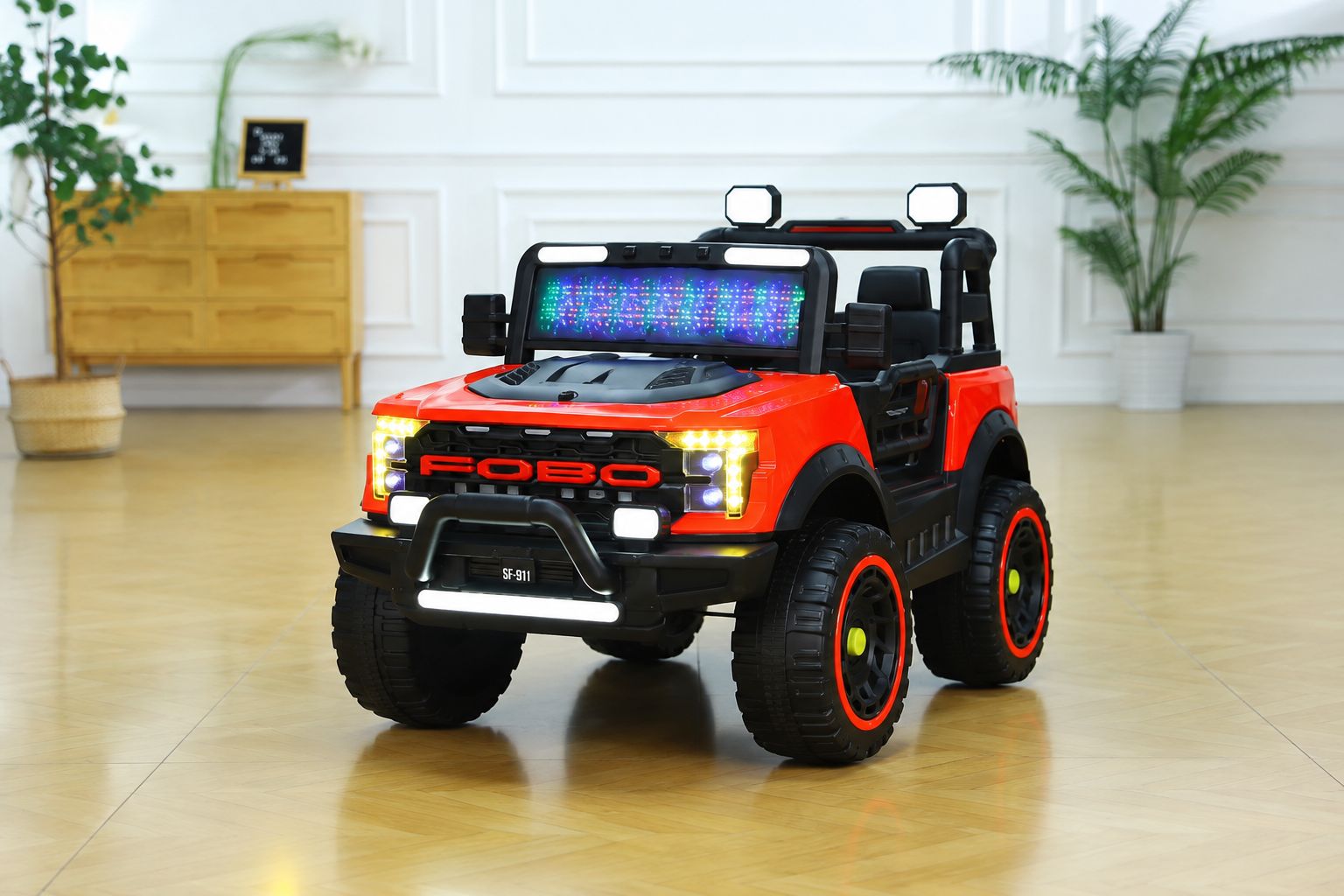
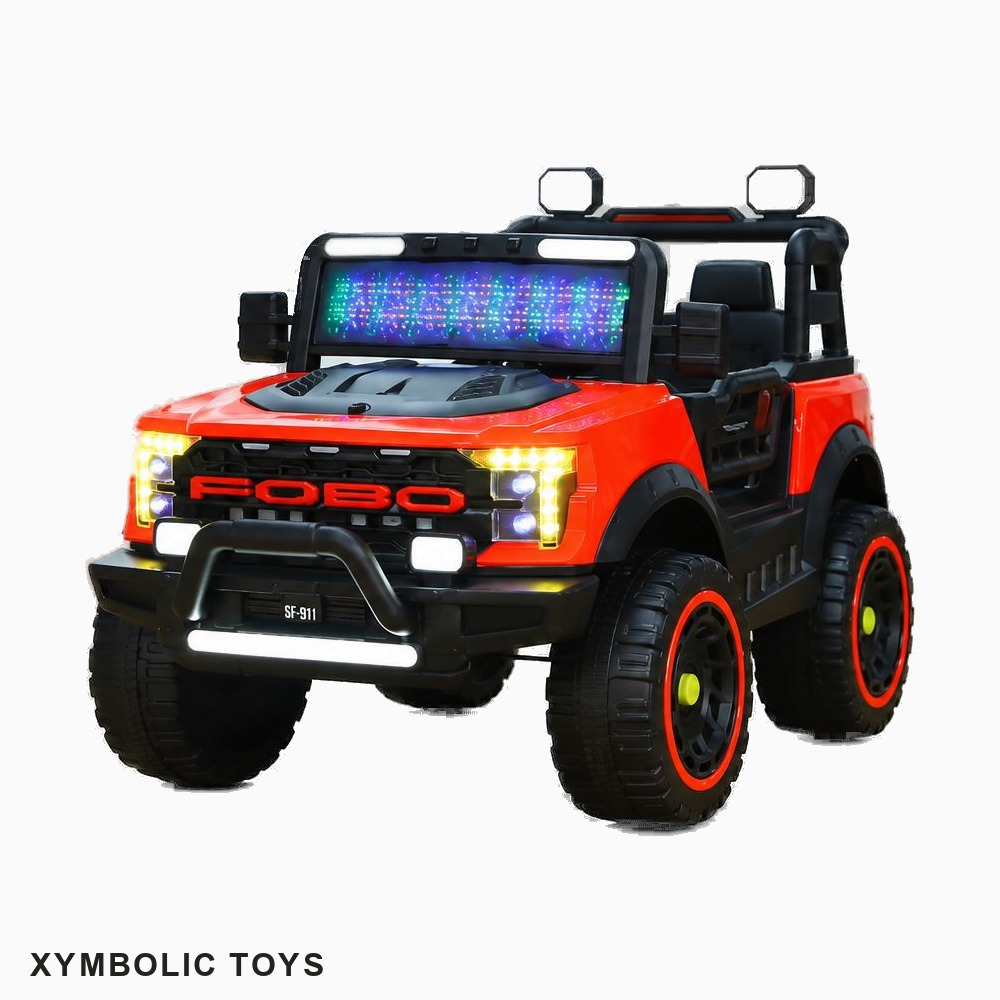
AI clipping path & background removal — product photos that sell, in seconds.
Upload your product images. AI removes the background, squares the canvas, adds your brand — and hands you back eCommerce-ready photos. No Photoshop. No designer. No waiting.
How credits work: Every processed image costs 10 credits.
A dual-angle image (2 outputs from 1 upload) costs 20 credits.
Credits reset monthly. Unused credits do not roll over.
What store owners say
Real results from real sellers
We built this because we had the same problem.
★★★★★
"I used to spend 3–4 hours editing product photos every week. Now it takes 10 minutes. The background removal is incredibly clean — better than what I was doing manually in Photoshop."
MS
Martina S.
Shopify store · Nederlands
★★★★★
"The dual-angle feature is genius. Upload one image, get two listing photos with my branding. My product pages look so much more professional and my conversion rate went up."
RA
Rania A.
WooCommerce seller · UAE
★★★★★
"I process 200+ products a month. Before Picslify I was paying a freelancer $150/month for editing. Now I pay $19 and the results are more consistent."
TM
Ton M.
Toys store · Canada
FAQ
Common questions
Everything you need to know before signing up.
Yes — and more. Picslify is a self-service AI clipping path tool that removes product backgrounds just like a traditional clipping path service, but also lets you add a brand watermark or logo, set a custom background colour, and rename images with SEO-friendly filenames. Everything is done in bulk and delivered as a ready-to-upload ZIP. No waiting for a freelancer, no back-and-forth — results in seconds.
A clipping path agency typically charges $0.50–$2 per image with a 24–48 hour turnaround, and delivers only the isolated subject. Picslify costs as little as $0.005 per image on the Business plan, processes in seconds, and delivers a marketplace-ready file with background, watermark, and SEO filename already applied — all in one step, instantly.
Credits reset each month with your subscription. They don't roll over. Top-up credit packs are available if you need more and never expire.
We accept JPG, JPEG, and PNG. Output is always delivered as optimised JPEG files — the standard format for eCommerce platforms.
Yes. On Starter, Pro, and Business plans you can upload a PNG logo from your dashboard settings. It will be used instead of text on all your processed images.
We use the Picslify's background removal engine — built for product photography. It handles complex edges like wheels, hair, fabric, and transparent objects extremely well.
No. Images are processed and deleted immediately after you download your ZIP. We never store, view, or use your product images for any purpose.
Yes, cancel from your dashboard at any time. You'll keep access until the end of your billing period and won't be charged again.
Your first 10 images are free.
No credit card. No commitment. Just better product photos in minutes.