Before
Shopify-ready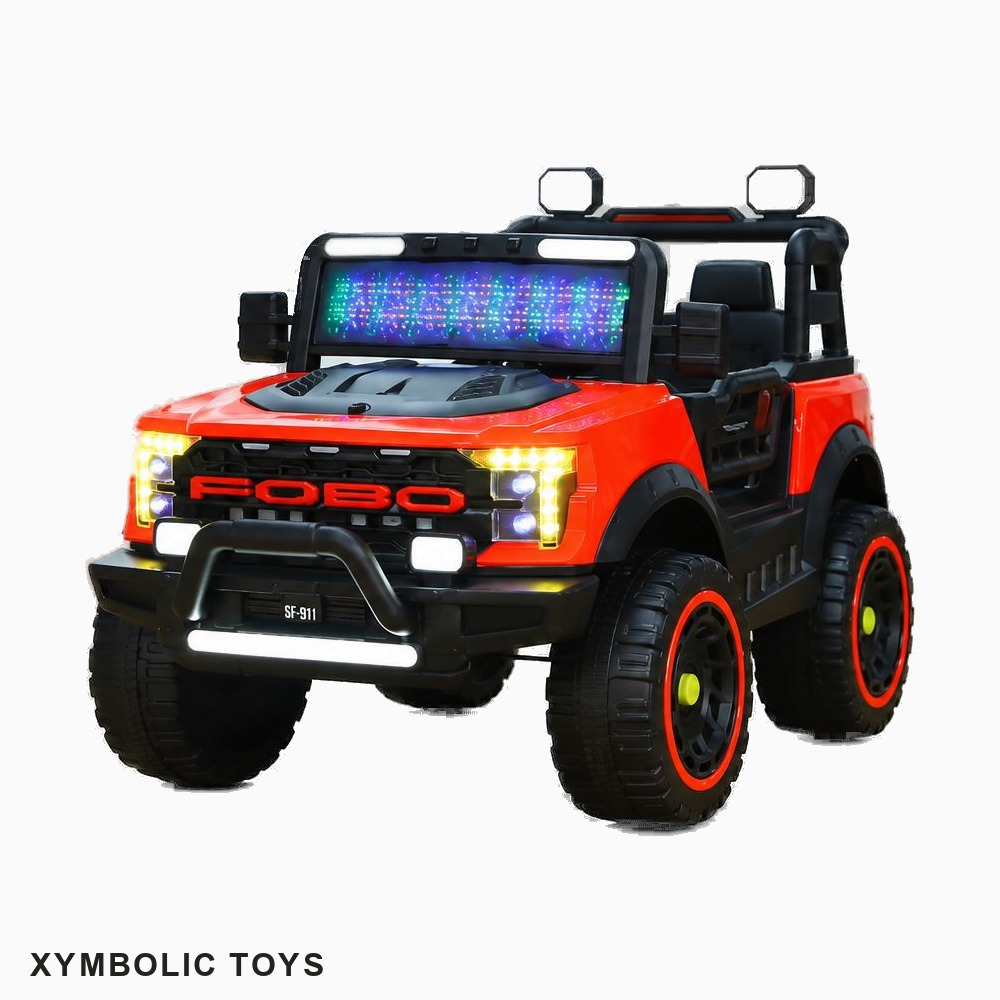
Get your product photos into Shopify's recommended format automatically. AI background removal, 1:1 square canvas, custom background colour, and brand watermark — all in one step.
Try free — 10 images, no card neededShopify accepts most image formats and sizes, but following the recommended specs ensures your store looks sharp on every device and screen resolution.
| Requirement | Shopify Recommendation | Picslify Output |
|---|---|---|
| Ratio | 1:1 square (consistent grid) | ✅ Always square |
| Recommended size | 2048 × 2048px (max quality) | ✅ Up to 1500 × 1500px |
| Minimum size | 800 × 800px | ✅ 800px option available |
| Format | JPG, PNG, WEBP | ✅ Optimised JPEG |
| Background | White or consistent colour | ✅ Any custom hex colour |
| File size | Under 20MB | ✅ Compressed at upload |
Your own Shopify store is where your brand lives — unlike a marketplace where you're competing on price and algorithm, your store is where customers come specifically for you. Product images are the first thing a buyer sees, and inconsistency (mixed backgrounds, different sizes, random crops) immediately undermines trust.
A consistent product grid — same background colour, same square format, same watermark position — looks professional, builds confidence, and keeps visitors browsing. Picslify ensures every image in your catalogue follows the same standard, processed in a single batch.
Drag and drop your raw product images. JPG or PNG, multiple files at once.
Choose your canvas size and background colour. White (#FFFFFF) or light grey (#F2F2F2) works best for most Shopify themes.
Process and download your ZIP. Open Shopify → Products → upload your new images directly.
Every image comes out square — no manual cropping needed. Consistent across your entire catalogue.
Clean product isolation with precise edges — wheels, fabric, handles, all handled automatically.
Set any hex colour. White, grey, or match your Shopify theme's palette exactly.
Add your store name or logo to every image — protecting your photos and reinforcing your brand.
10 images free. No credit card. Upload to Shopify in minutes.
Create your free account